
Remote Site Security
Remote site security for locations with no permanent staff. Davicom units and sensors report site access on the same screen as the transmitter alarms.
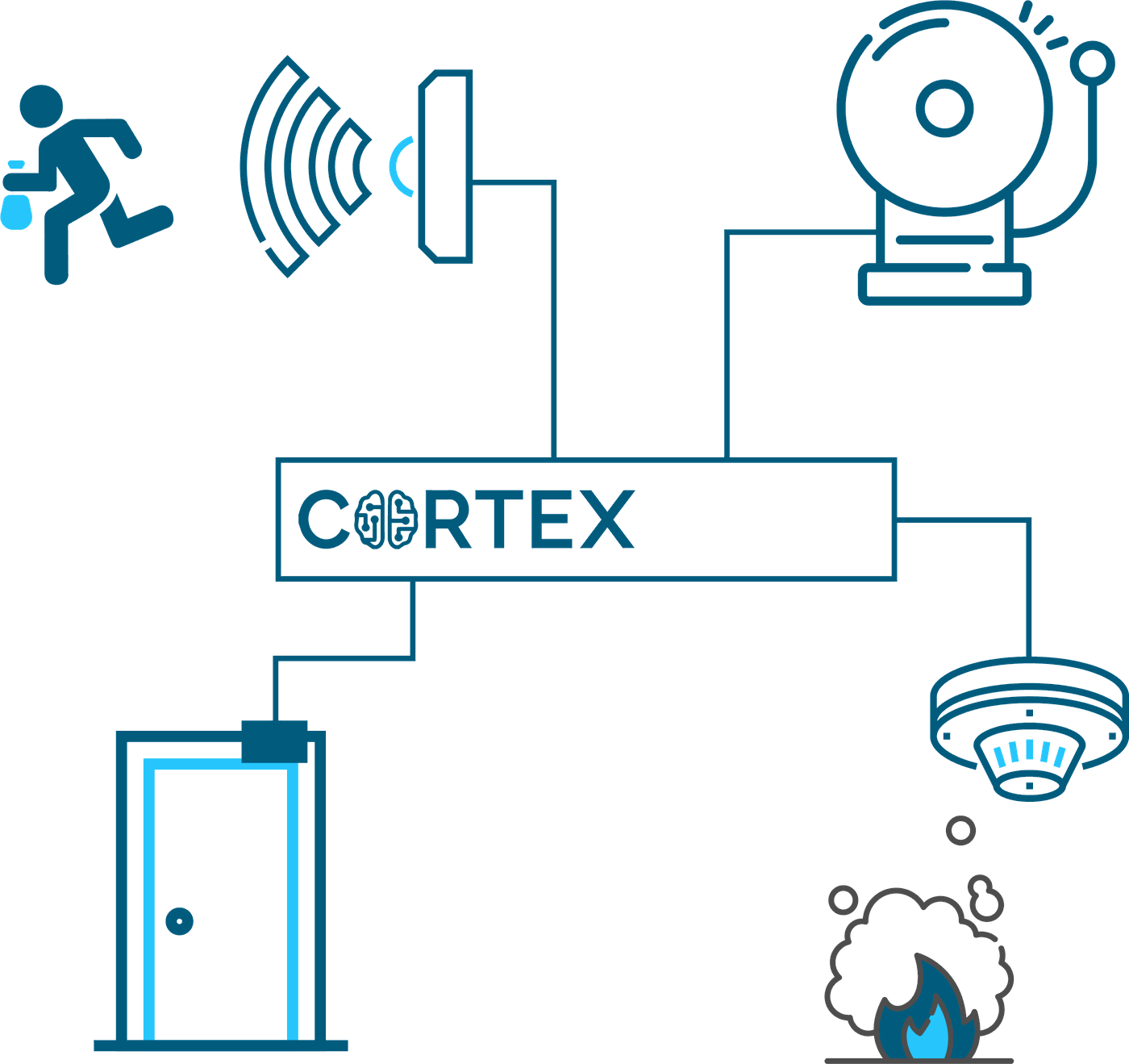
Keep Your Site Safe
Protecting on-site equipment is of utmost importance, and adding security sensors to any Davicom unit is one of the easiest ways of doing this. Better management of site access and surveillance allows operators to know immediately when an authorized person accesses a site or when an unauthorized person is attempting to break in. For maximum protection, indoor and outdoor surveillance cameras are also recommended.
Web URLS Redirection
Davicom Cortex units have built-in Web redirection functionality. This feature virtualizes access to the web servers of different devices at your site, but all via the same external IP address. The Davicom Cortex therefore allows you to connect to several on-site Webcams, alarm controllers or even transmitters (if they have a web GUI).
Custom Audio Alarms through Speakers
In addition to playing-out standard alarm messages on the telephone or through a PTT MIC input, Davicom Cortex units also allow you to record specific messages on-the-fly and play them out on the unit’s audio output jack. Message files can be downloaded to the unit by FTP transfer, and playback initiated through SNMP SET commands. This feature offers unmatched flexibility for message playback over a PA system.
Explore Other Field Applications Relevant to Your Industry
Need help, or ready to purchase?
Call us
1 877 282-3380Get in Touch
Ready for the next step? Schedule a call or demo with a member of our sales team or quickly and easily request a quote.
Get startedSupport Portal
Find solutions and useful resources like articles, downloadable datasheets, manuals, software, workspaces and more.
See moreFind a Dealer
Find a Davicom authorized dealer. Our dealer locator provides the most up-to-date information on dealers close to you.
Find a dealer