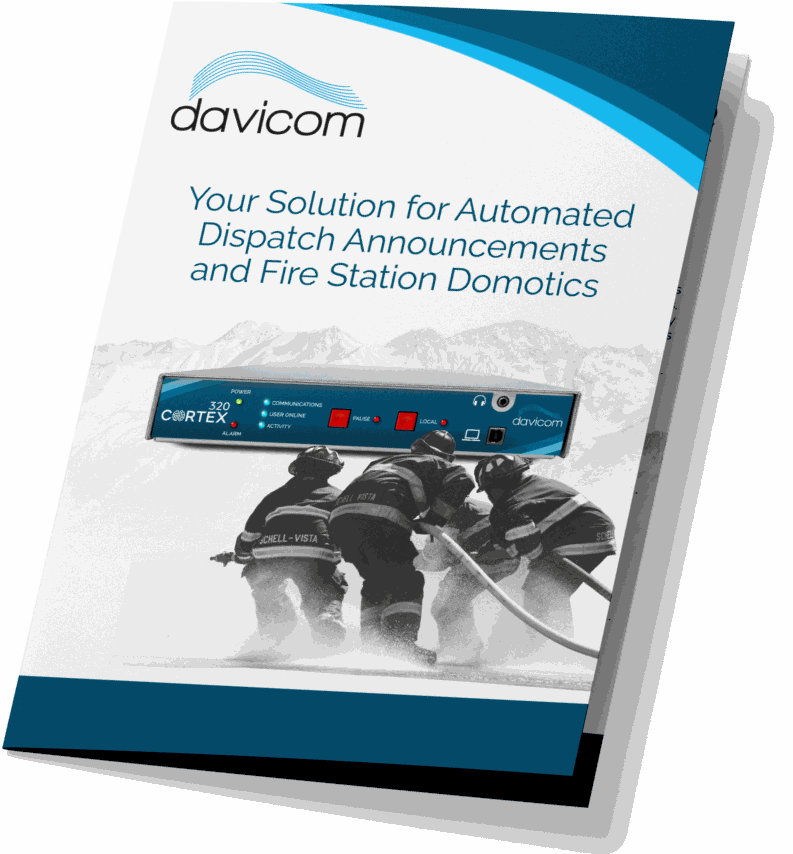

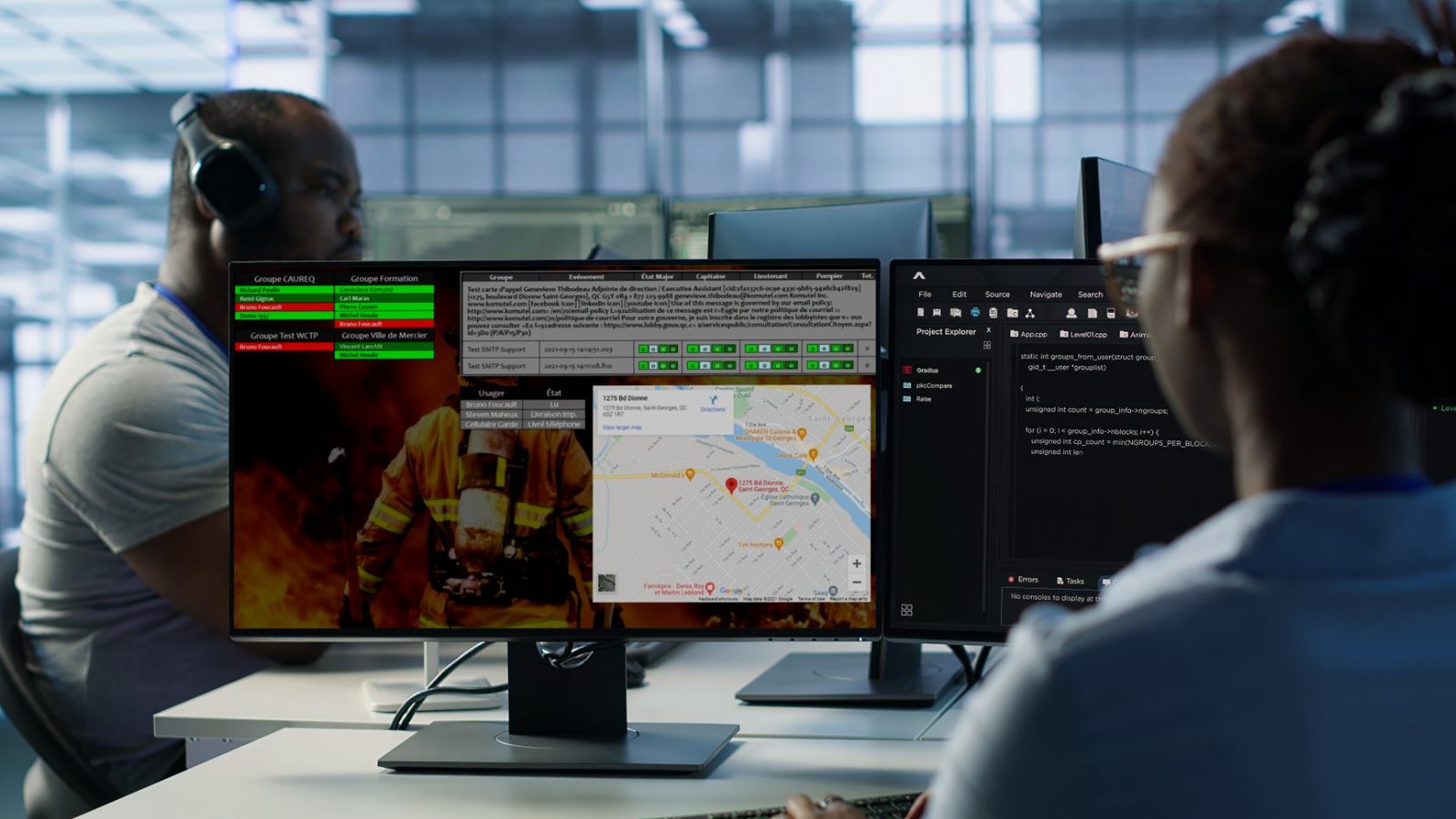
Your Solution for Automated Dispatch Announcements and Fire Station Domotics

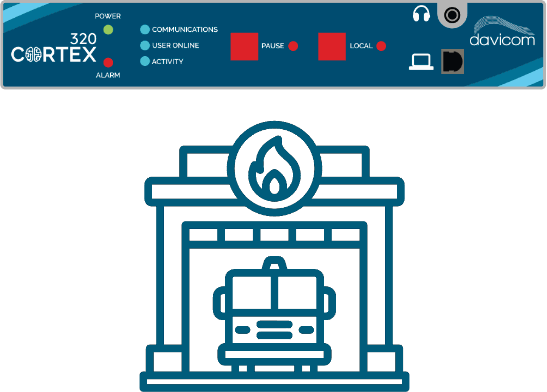
A Davicom CORTEX 320 in each fire station plays TARGA AIR voice alerts over the PA system and the P25 radios, then switches relays for bay doors, emergency lights and breakers.

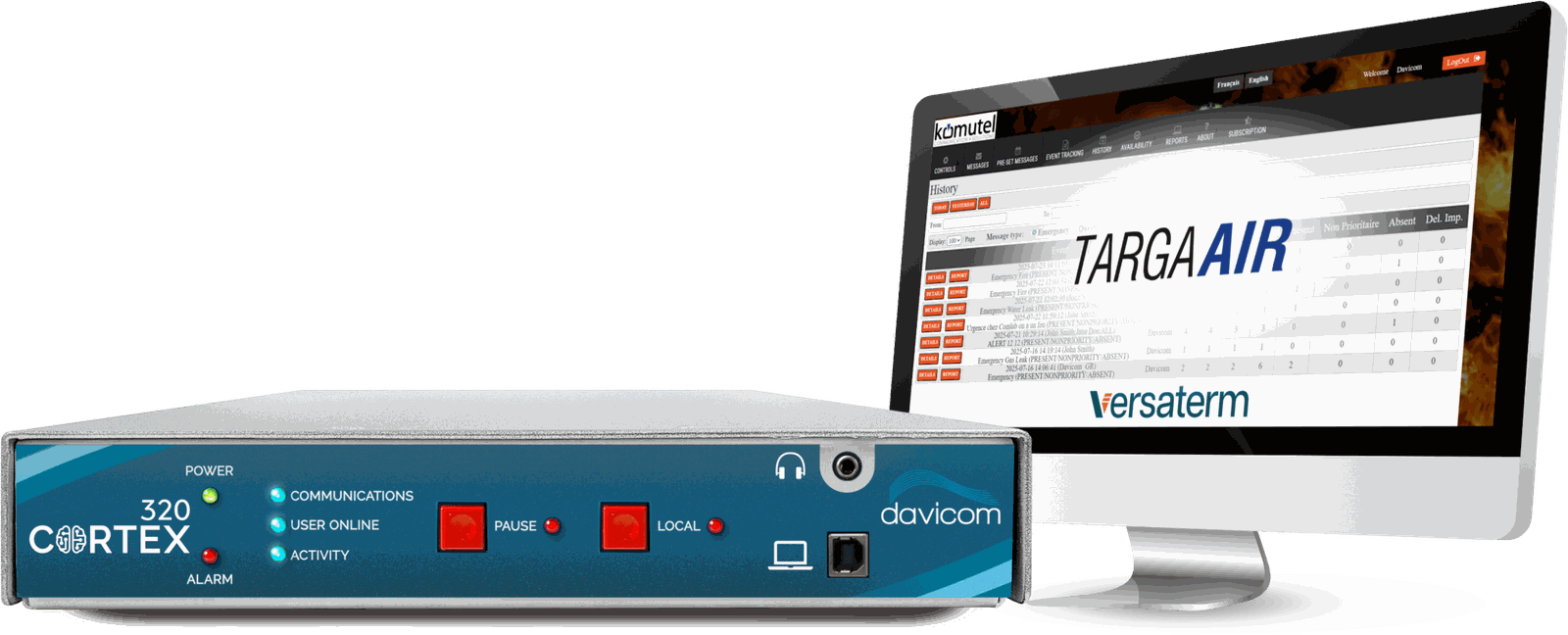
A Davicom CORTEX 320 beside a workstation running the TARGA AIR dispatch console

Davicom CORTEX 320 • TARGA AIR dispatch console

01 The case for dispatch automation

Why do you need a dispatch automation and domotics system for your critical communications?

When it comes to critical operations like fire emergency services, every second counts. That is why achieving a shorter transfer time between 911 operators and the targeted fire station is crucial. Our system reduces the processing time to about 40 seconds, allowing your firefighters to be dispatched more efficiently. This is achieved by reducing the number of manual operations the 911 dispatcher has to perform. A more automated process means less time lost and less chance of errors.

The Davicom system does not only help you reduce response times, but it also improves the quality of life of your firefighters. By announcing dispatches through audio instead of visuals, it allows all firefighters to pursue other activities and rest. No need to have someone continuously checking a dispatch screen. The automated audio dispatch announcements and optional light signals can wake up firefighters when required.

02 From the 911 call to the bay door

How does it work?

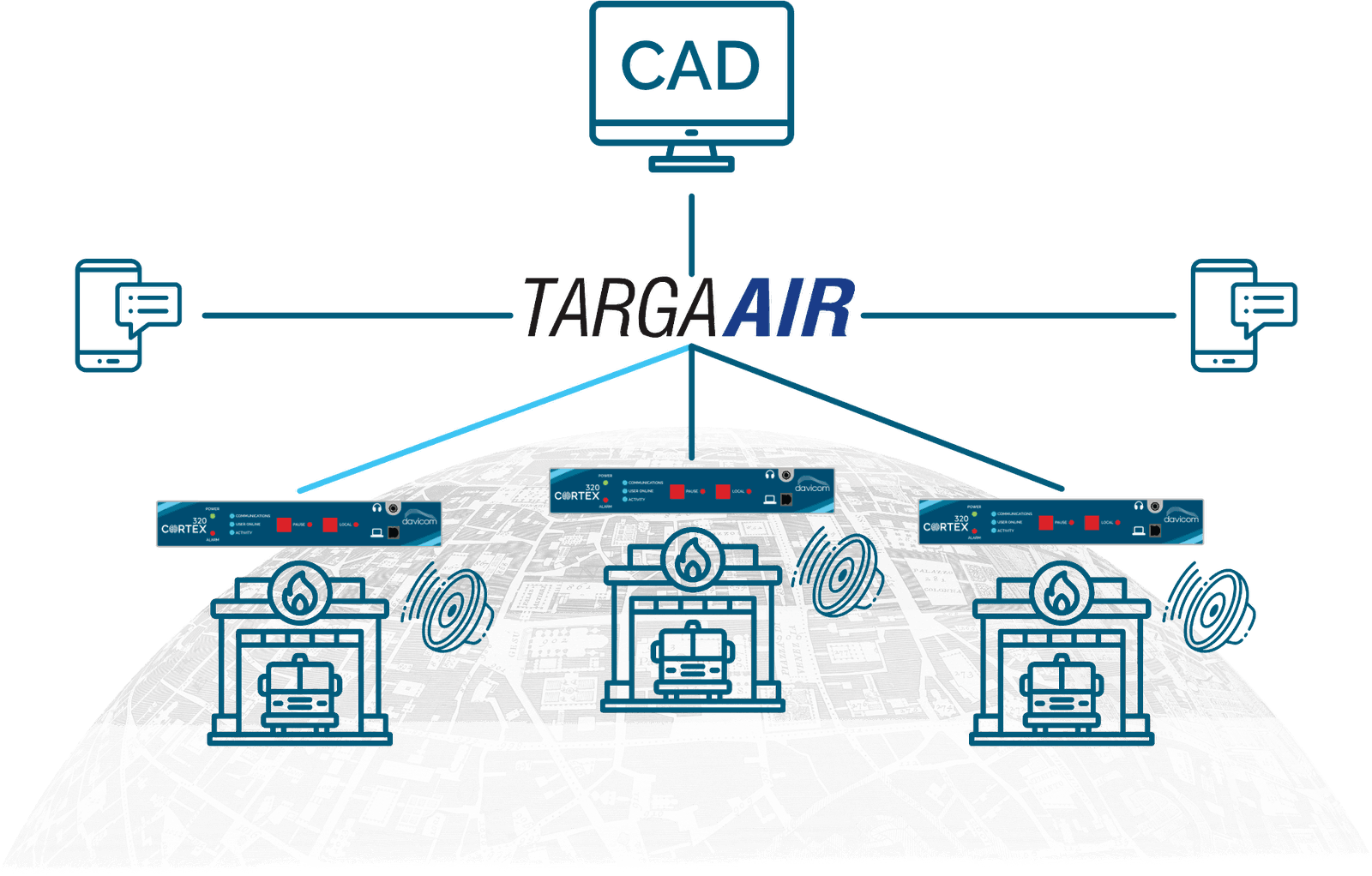
A CAD system feeding TARGA AIR, which dispatches audio and actions to three fire stations equipped with Davicom CORTEX units

911 dispatch centre

The call comes in

An alarm call comes in, and once the dispatcher has finished entering the call information, the 911 system sends the calling card to different groups in TARGA: a vocal group and a building automation group for the recommended station.

This is the step the system removes work from. Fewer manual operations mean less time lost and less chance of errors.

  • A 911 call
  • The dispatcher enters it
  • The calling card leaves

TARGA AIR, by Komutel

The message is written

TARGA does a complete ingest of the information and concatenates everything into the proper order: recommended station, nature of call, time, address of the incident.

A text to speech program then transforms the data into an audio file and sends it to the Davicom CORTEX units installed in the stations.

  • Station
  • Nature of call
  • Time
  • Address

One spoken message

The Davicom CORTEX in the station

Your station is told

The TARGA system sends the command to play the audio and to run the building automation if the station concerned is recommended to respond to the alarm.

A three alarm circular buffer allows a second voice message to be played out if a first one is already playing.

  • Your stationWoken
  • The other stationsStay quiet

PA system and P25 radios

The voice goes out

The alarm is played out once on both the P25 radios and the PA system in the stations, then a second time but only on the PA systems so that the radio channel is available for urgent communications.

As an example, the audio playout could read as follows: Station 50, nature of the call: building fire, time of call: 2:58 p.m., address: 120 McCune Road.

  • Radios and speakersFirst time
  • Speakers onlySecond time

The radio channel is left free for urgent communications.

The relays in the unit

The building reacts

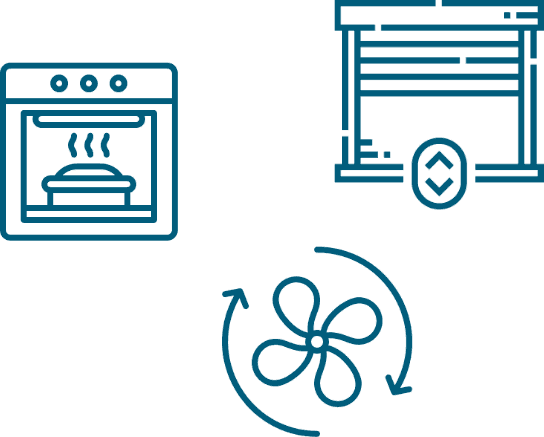
The Davicom CORTEX unit uses its internal relays to turn off oven and stove breakers as well as to turn on emergency lighting. Latch time and other parameters can be easily set in the software.

The system is very flexible and can be customized to pretty much any building automation requirement, because the unit has extra inputs and outputs available for adding sensors and controlling devices.

  • Stove and oven breakersOff
  • Emergency lightingOn

Your firefighters

The crew rolls

The system reduces the processing time to about 40 seconds, so firefighters are dispatched more efficiently.

By announcing dispatches through audio instead of visuals, it allows all firefighters to pursue other activities and rest. No need to have someone continuously checking a dispatch screen.

A Davicom CORTEX 320 beside a screen showing the TARGA AIR dispatch history
The unit in the station, and the dispatch history it answers to.

Use Case Example in a Fire Station

See how the Davicom system can be used in a concrete way
View Use Case
03 One station, three stations, radio only

Scalability & Deployment

A three station deployment with Davicom CORTEX 320 units and SMS alerts from TARGA AIR A one station deployment with a single Davicom CORTEX 320 A radio-only deployment where the dispatch reaches the stations over the radio system
Three station deployment

Three stations

3 station deployment with Davicom CORTEX 320 and SMS alerts from TARGA AIR.

One Davicom CORTEX 320 per stationSMS alerts5 actions
One station deployment

One station

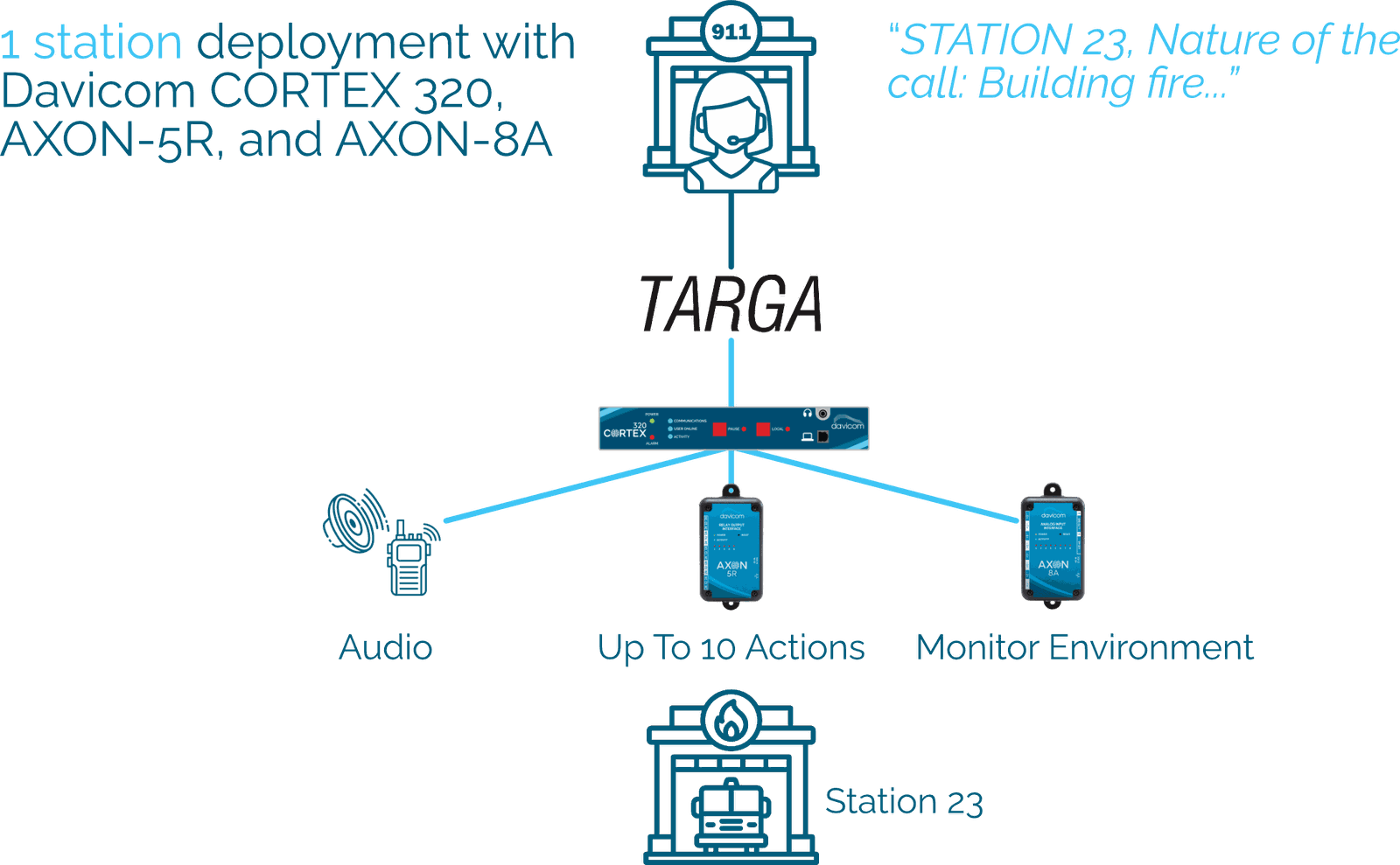
1 station deployment with Davicom CORTEX 320, AXON-5R, and AXON-8A.

Davicom CORTEX 320AXON-5RAXON-8A
Radio-only deployment

Radio only

Radio-only deployment with Davicom CORTEX 320 installed at the emergency call center and with SMS alerts from TARGA AIR.

Davicom CORTEX 320 at the call centerDispatch over the radio SMS alerts
05 The dispatch platform
TARGA AIR

Learn More About TARGA AIR

TARGA AIR is a mission-critical notification and dispatch automation platform developed by Komutel (a Versaterm company). It is specifically designed to connect with 911 dispatch centers and streamline emergency communication workflows for fire departments, public safety agencies, and municipal services.

TARGA AIR acts as a bridge between Computer-Aided Dispatch (CAD) systems and field personnel, enabling real-time alerts, resource tracking, and station automation through a robust suite of software tools and mobile interfaces.

The TARGA AIR console on a workstation
06 TARGA AIR

TARGA AIR Key Features

Detailed Reporting & Analytics

TARGA AIR offers comprehensive reporting tools that track every aspect of emergency alerting: message delivery, user responses, read rates, and average response times. Reports are available in tabular or visual formats, and cover event history, availability, shift coverage, and replacements. All data can be exported (PDF, Excel, Word) or emailed, making it easy to analyze performance, ensure staffing compliance, and support audits or incident reviews.


Clear Text-to-Speech Voice Alerts

TARGA AIR features high-quality, intelligible text-to-speech (TTS) that transforms 911 dispatch data into clear voice alerts. These natural-sounding audio messages are automatically generated and played over station PA systems and radios, ensuring responders quickly understand the nature, time, and location of the call, even in noisy environments.

Listen Here

Real-Time Resource Status

During an event, TARGA AIR displays the status of each communication. If the message has not been delivered to your team member's terminal, TARGA AIR will let you know. Knowing that the message has been delivered, stakeholders can evaluate the situation and make decisions accordingly.

Smartphone-Ready Alerts

TARGA AIR delivers instant alerts through SMS, email, and hybrid web links, giving responders full access to dispatch details and response options on any smartphone, no app required. Users can view alerts, respond with one tap, manage availability, and access schedules directly from their mobile device, with support for custom ringtones and shortcuts for faster response.

The Fire Station Application brochure

Download the Brochure

PDF Version of the Fire Station Application Brochure
07 The on-site hardware

Learn More About the Core Unit

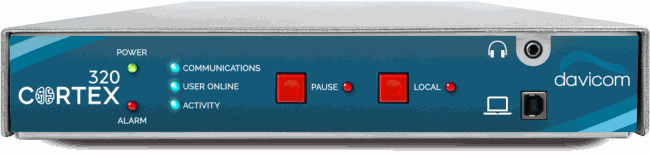
The Davicom CORTEX 320 is a rugged, modular automation controller designed to serve as the critical on-site hardware in modern fire station alerting and control systems. Paired seamlessly with TARGA AIR software, the Davicom CORTEX 320 transforms emergency dispatch data into immediate, tangible station actions, helping fire departments respond more quickly, safely, and efficiently.

The Davicom CORTEX 320 front panel

Vocal Annunciation System

  • Receives pre-formatted .WAV files (generated by TARGA AIR) over FTP, and plays clear, station-specific voice alerts via the PA system.
  • Dual-play mechanism: first across PA and P25 radios, second exclusively on PA to free radio traffic for emergency comms.

Electrical & Domotic Control

  • Performs up to five actions.
  • Activates relays to turn off non-essential appliances (e.g., oven or stove breakers), switch on emergency lights, open bay doors, activate ventilation systems, etc.
  • Relay latch times and triggers are easily configurable via software.

Redundant, Localized Operation

  • Each fire station receives its own Davicom CORTEX unit, ensuring decentralized reliability even in distributed deployments.
  • Operates independently once triggered, removing reliance on continuous cloud connection.
08 Up to 256 actions

Learn More About Expansions & Remote Control

Davicom AXON modules and a Davicom NEURO chassis

The AXON and NEURO units extend the capabilities of the Davicom CORTEX 320 system to up to 256 actions by offering modular expansion of input/output interfaces and custom logic execution. Designed for mission-critical applications, these units add flexibility, redundancy, and scale to fire station automation and alerting workflows. AXONs can also be used to remotely monitor or perform actions by communicating through IP when direct wiring to the Davicom CORTEX 320 is not possible.

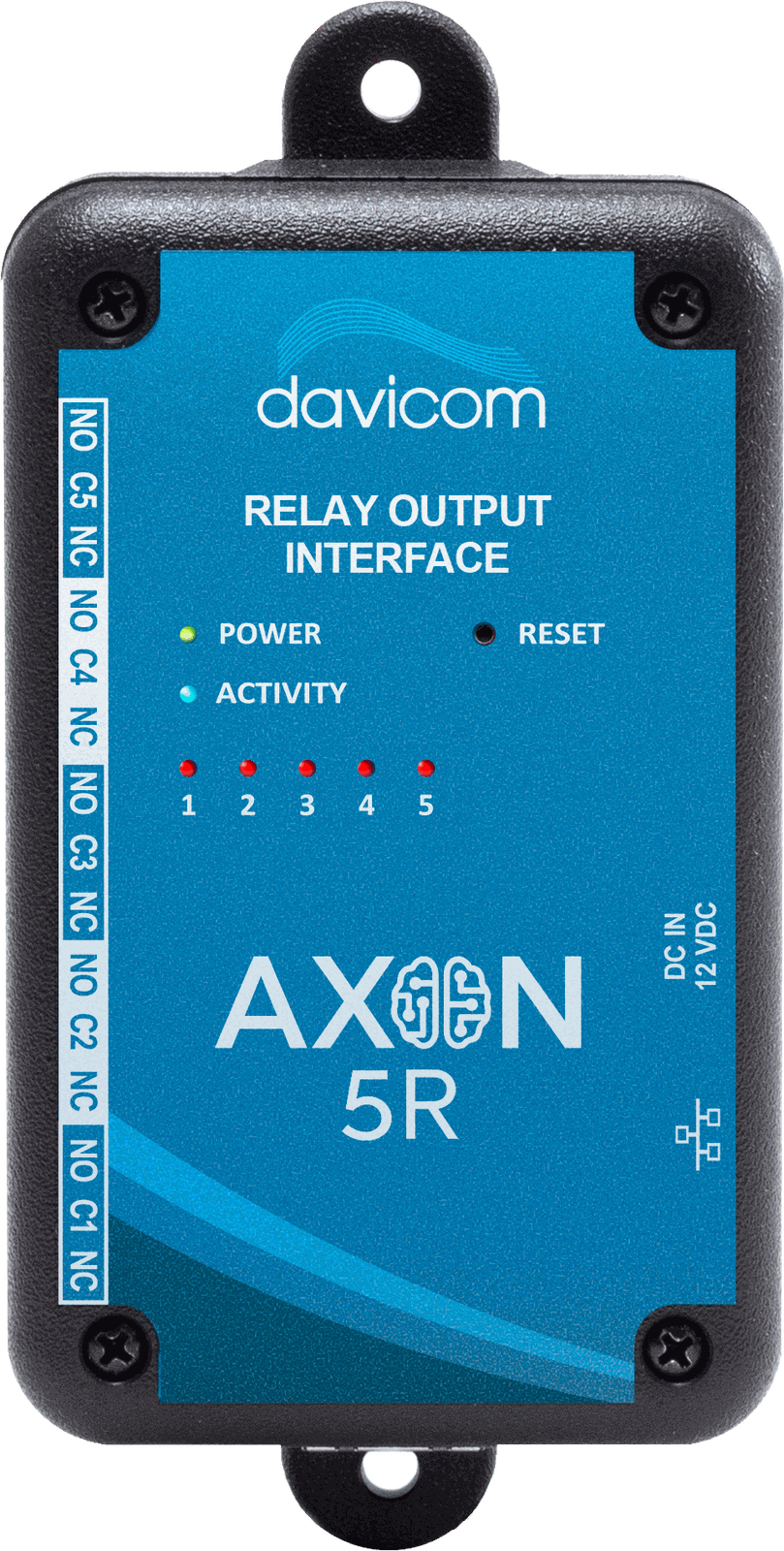
Davicom AXON-5R relay output module

5-Channel Relay Output Module

Ideal for:

  • Opening garage/bay doors
  • Switching siren systems or fans
  • Controlling emergency lighting circuits
Davicom AXON-8A analog input module

8-Channel Analog Input Module

  • Monitoring carbon monoxide or temperature sensors
  • Logging power supply voltages or battery levels
  • Reading atmospheric or utility metrics
Davicom AXON-8D digital input module

8-Channel Digital Input Module

  • Monitoring door/window status or smoke
  • Sensing equipment ON/OFF state
  • Integrating with legacy alarm panels
10 Contact

Need help, or ready to purchase?

Get in Touch

Ready for the next step? Schedule a call or demo with a member of our sales team or quickly and easily request a quote.

Get started

Support Portal

Find solutions and useful resources like articles, downloadable datasheets, manuals, software, workspaces and more.

See more

Find a Dealer

Find a Davicom authorized dealer. Our dealer locator provides the most up-to-date information on dealers close to you.

Find a dealer
Video